

iPhone film camera
and digital darkroom
See the film color while you frame, then finish the photo in the darkroom.
Cammo Editor
Pictures we can show
Large frames are only Cinema and KD-P400, where the EXIF label matches, plus the Classic pictures already on the site. Cammo Editor means the file was processed there. It is not proof the Cammo camera captured it.


Classic · pictures already on the site
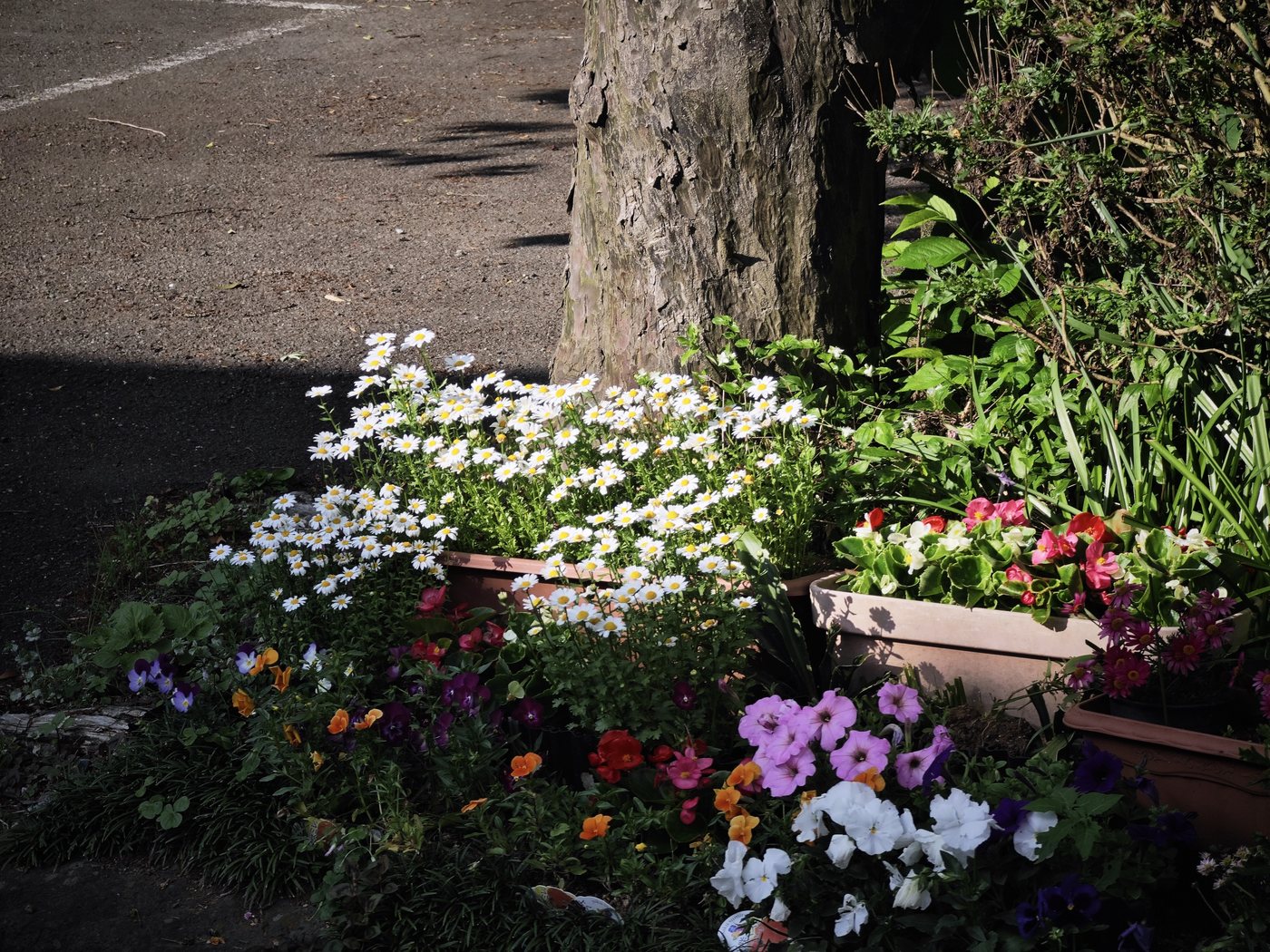
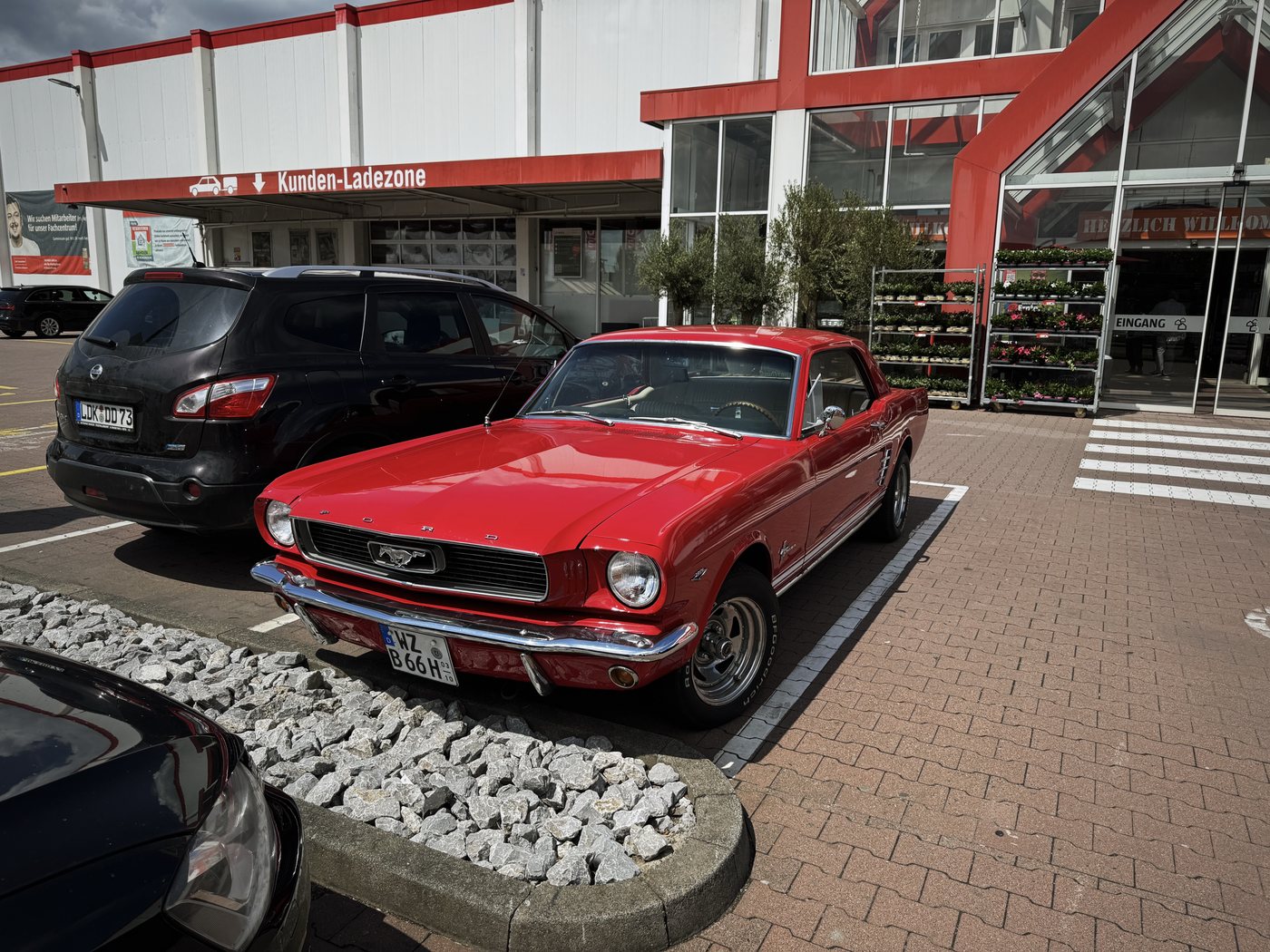
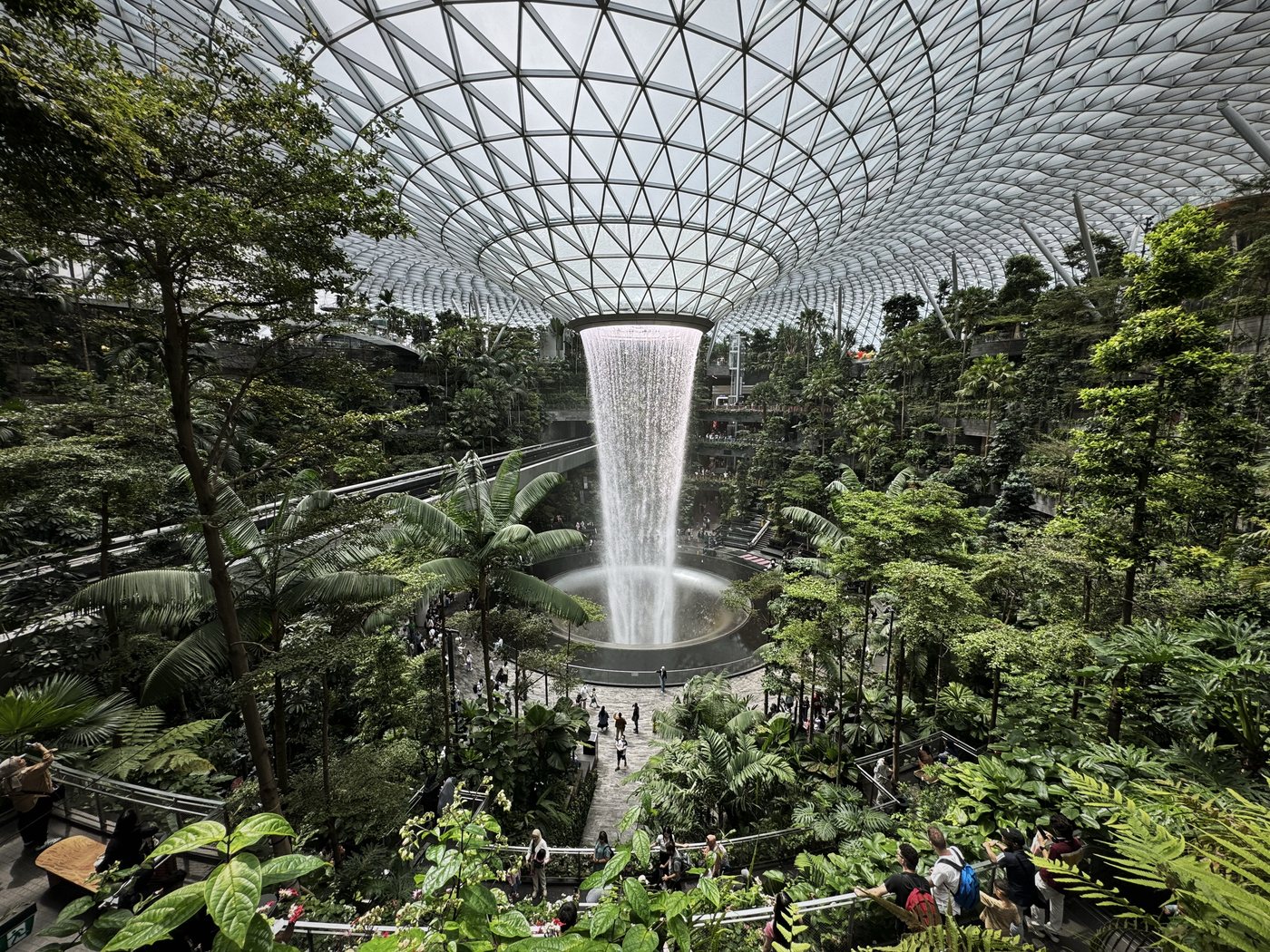
Twelve film colors
All twelve colors can be switched while shooting. Large pictures are above. Films with only a small preview keep that thumbnail at its real size.
- CLASSICLifted midtones and restrained contrast. Streets, cafes, quiet interiors. Large pictures above.
 KD-5207Detailed, smooth shadows with a cinema-negative tone. Cities and dusk. Small preview only.
- KD-G200Golden highlights and a warm cast. No high-resolution file whose name matches KD-G200, so this row has no picture.
- KD-P400A clearer, slightly cyan-green negative. Overcast days, foliage, portraits. Large pictures above.
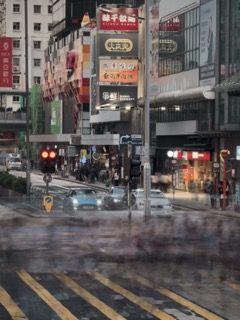 POSITIVEHigher saturation and contrast, closer to reversal film. Bright outdoor scenes. Small preview only.
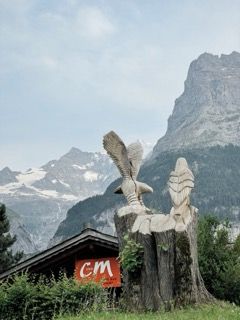 NEGATIVELifted shadows and lower contrast. Midday, portraits, old objects. Small preview only.
- CINEMAWarm tones toward orange, cool tones toward teal. One of the large pictures above was made with a GR IIIx.
 FJ-CCLower saturation and soft contrast. Street, cafes, indoor daylight. Small preview only.
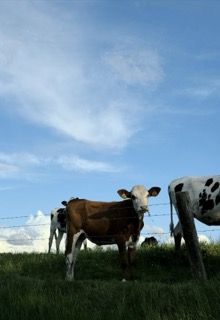 FJ-NCNatural color with clearer tonal separation. Daily records, travel, still life. Small preview only.
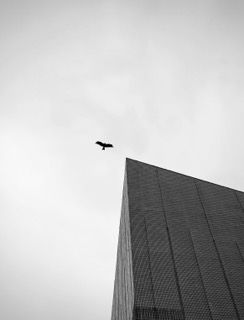 BW-NATSmooth grayscale. Rain, texture, quiet documentary scenes. Small preview only.
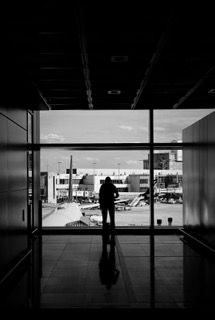 BW-HCDeeper blacks and brighter highlights. Sunlit streets and architecture. Small preview only.
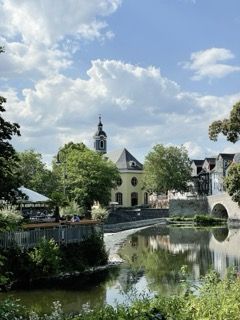 SPRINGBrighter color and clean highlights. Parks and easy outdoor days. Small preview only.
See the color while you shoot
The viewfinder already carries the film color. Grid, exposure, focus lock, the volume shutter, and lens switching live on this screen.
- Grid
- Exposure
- Focus lock
- Volume shutter
- Lens switch

Digital darkroom
Set the tone, then add grain, bloom, and dispersion. Finish with a frame, date, and EXIF watermark. The library holds source files, finished photos, and negatives, and styles can be applied in a batch.
- Exposure
- Contrast
- Shadows
- Highlights
- Saturation
- Temperature
- Vignette
- Sharpness
- Grain
- Bloom
- Dispersion


Free to download. Pro opens the full darkroom.
- FreeThe app can be downloaded with the basic experience. This site does not publish a Pro price.
- ProUnlocks every advanced filter, the professional editing tools, exclusive frames and watermarks, batch processing, and the RAW negative workflow.